Toru Studio by enparri

Texture in. Seamless in seconds.

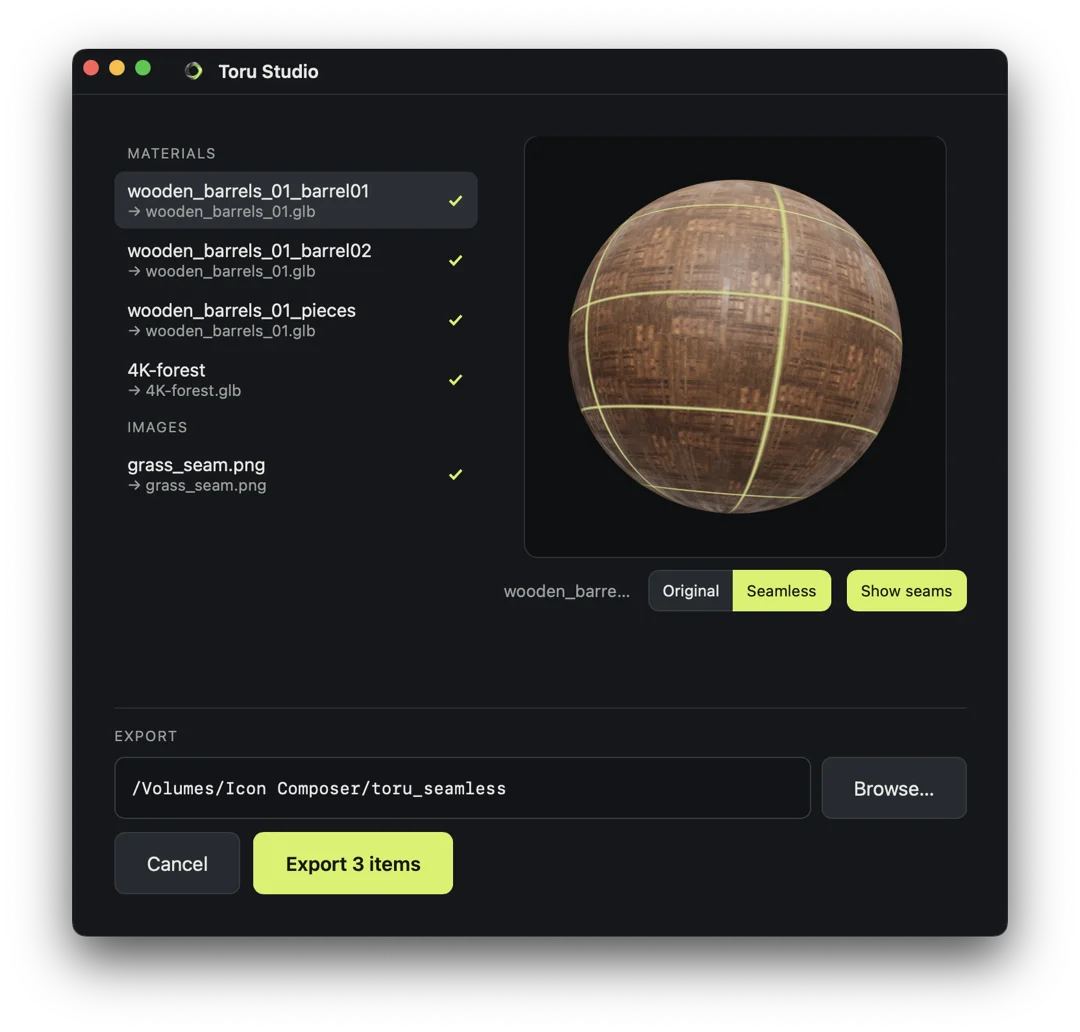
Toru Studio is a desktop app for making seamless materials from the images you already have.

Desktop app · macOS · Windows · Linux
Toru Studio
Seamless materialReady
Seamless
The conversion

Start with what you already have.

Images and PBR GLB / GLTF files go straight in. No extraction step.

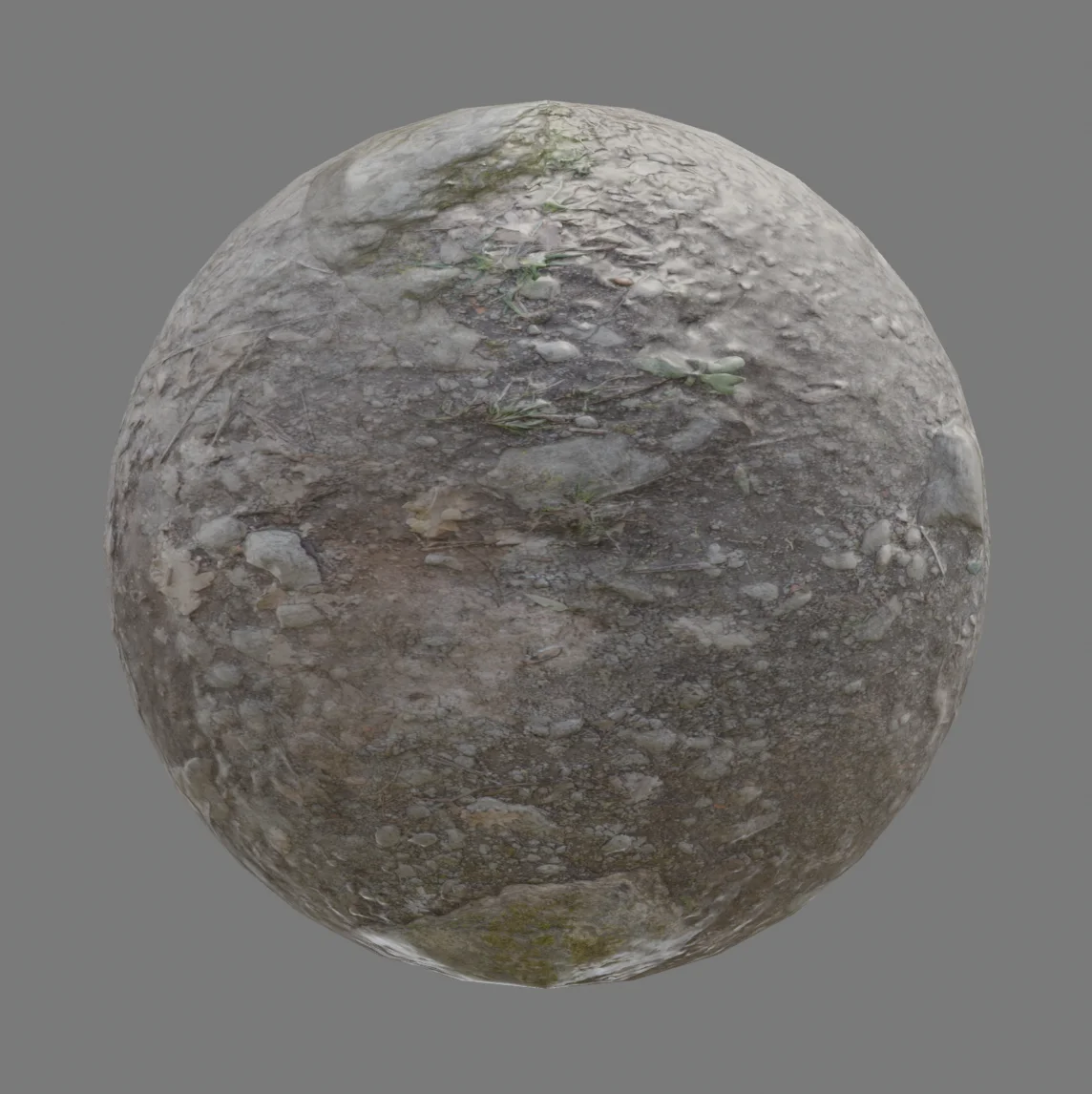
Turn an image into a seamless material.

Photos, scans, and textures go in. A clean repeat comes out.
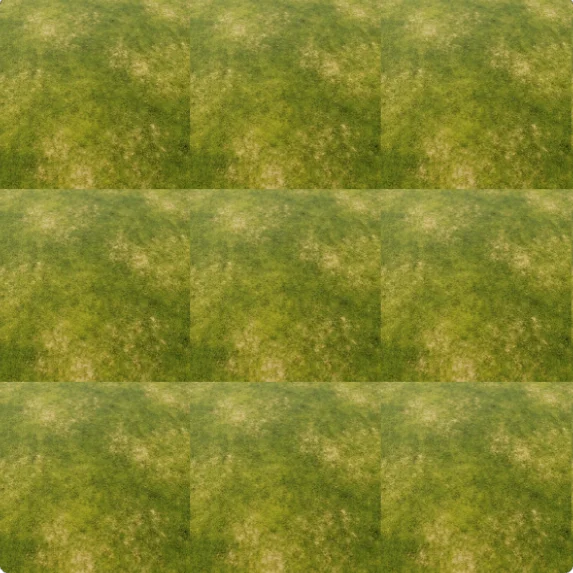
A photo, scan, or texture you already have.
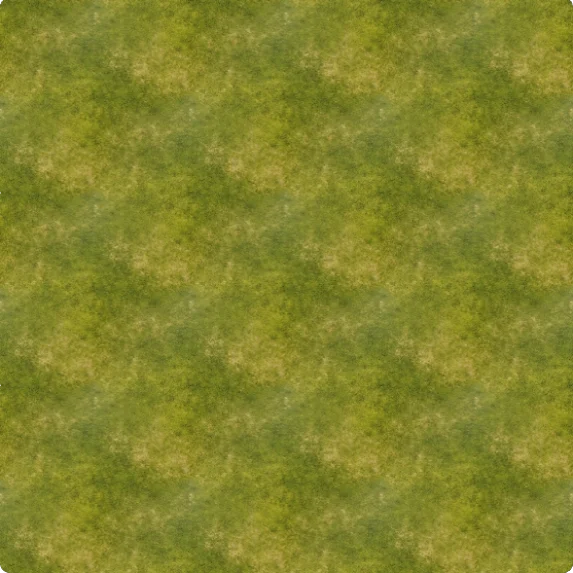
Seamless and ready to use.

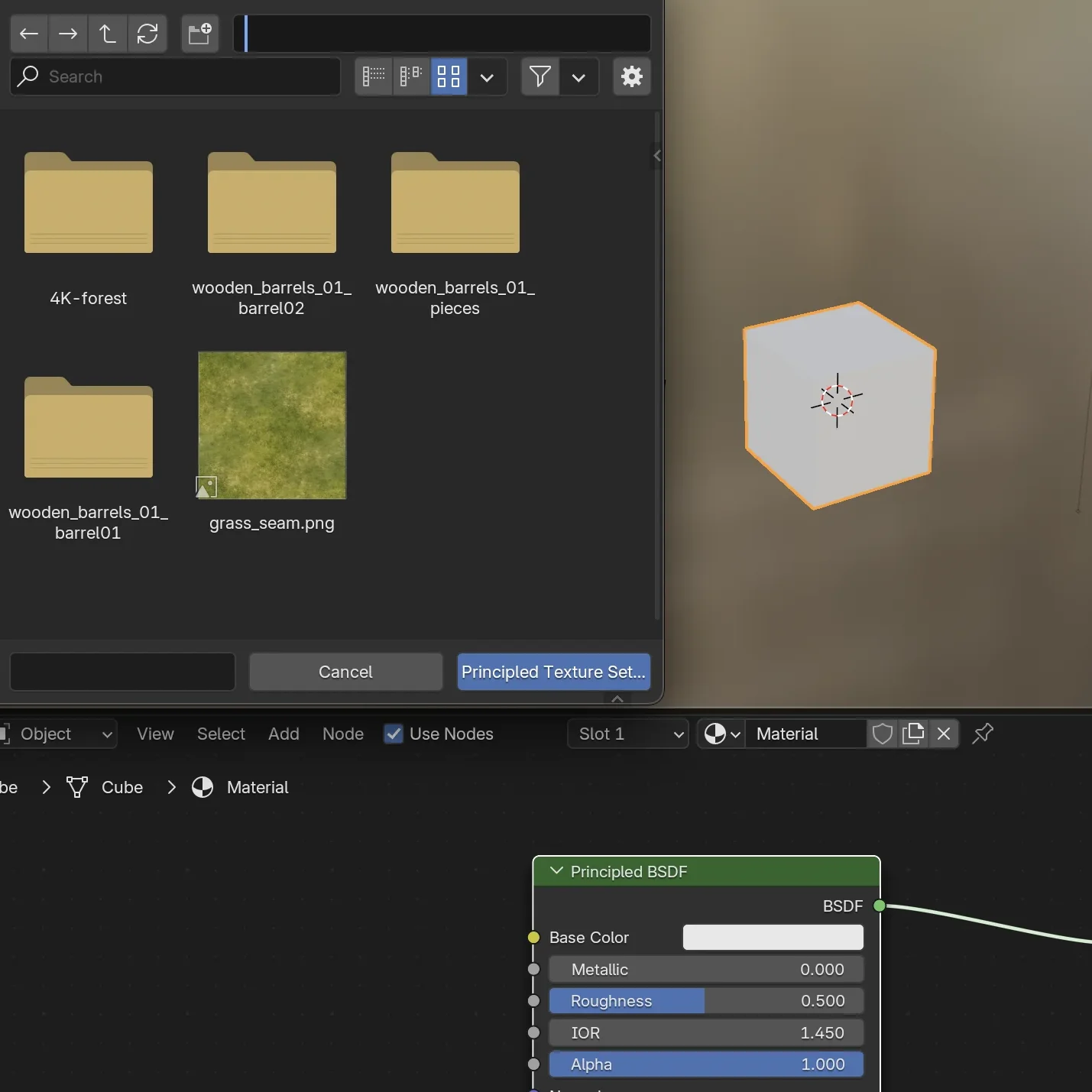
Work straight from PBR GLB / GLTF.

No extraction step. Use the file you already have.
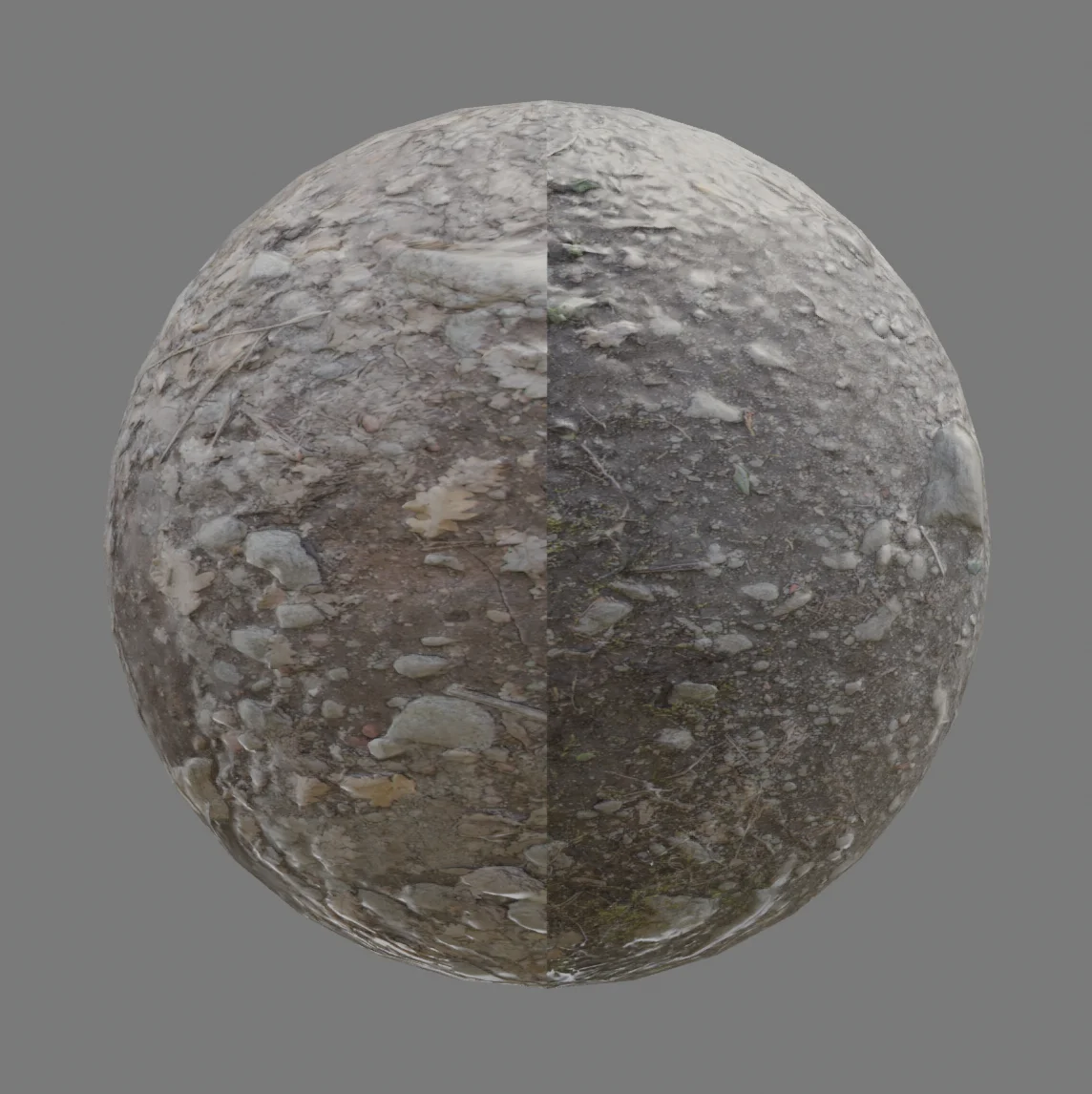
Use the file as-is.
No texture extraction first.

Keep your source, skip the rework.

Start from the material you trust, end up ready for your tools.
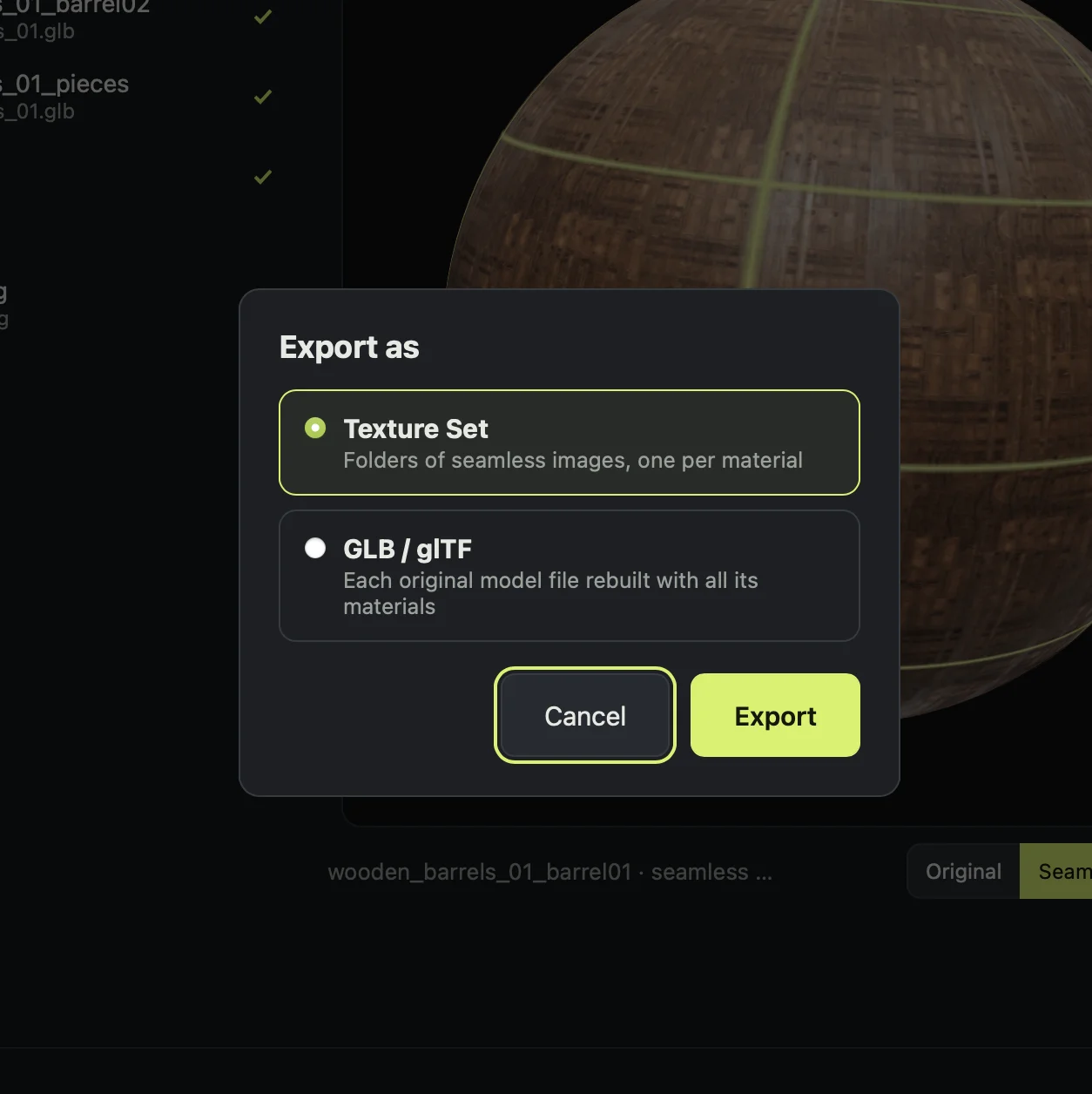
Keep the starting point you already trust.
Take it into the tools you already use.
Toru Studio in action

See it for yourself.

Quick clips showing Toru in a real workflow — turning source images and PBR GLB / GLTF files into usable materials.

Toru Studio
Made for your workflow

Made for your workflow.

Make the material in Toru. Keep building in the tools you already use.

Blender
Maya
3ds Max
Unreal Engine
Godot
Unity
Cinema 4D
MODO
SketchUp
Houdini
Roblox
Second Life
Krita
Photoshop
Toru Studio

Get polished materials without the extra work.

From a standard image or a PBR GLB / GLTF, get to a usable material without the extraction step.

Founding price Preorder list locks in a lower price before launch. One-time purchase.

Join the preorder list. We'll email you upon launch.

Good to know

Before you buy.

More questions? Join the Discord →
What is Toru Studio?
A desktop app for turning source images and PBR GLB / GLTF files into usable seamless materials.
Do I need to extract the textures from a GLB or GLTF first?
No. Toru works directly with the PBR GLB / GLTF file.
Who is it for?
3D artists, game artists, designers, and anyone who wants to spend less time editing materials by hand.
What does it run on?
macOS, Windows, and Linux.